
The Amazing Story of Excel's Phantom Day
February 18, 2022
Why did Microsoft include a day in Excel that never actually happened?
Plus, find out how toilet paper has a 'roll' to play.
This is the amazing story of Excel's phantom day. Right from the very first version (and still remaining today), Excel has included 29 February 1900, a day that never existed...

In last week's blog, we looked at an example of filtering a column, where we had multiple values within each cell. This week, I am following up with an example of using a function to create a list within a cell. On the left, in the screenshot below, we have a list of split times from a 10km run. On the right, in the blue cell, is a formula that shows the traditional use of the LARGE function to create a horizontal spilled array with the 3 best lap times. On the right, in the green cell, a modified version of the LARGE function (just wrapped in curly brackets), that creates the 3 best lap times within a single cell.
Excel will soon introduce support for multiple values within a cell. This will make a few tasks easier to achieve than they were before. Here's a simple example: Previously when you had several items within a cell, you would have to first create new columns for each item, if you wanted to filter them. But now, you just select the column (like the Hobbies column below) and make it in to a 'List' (Insert tab, Controls group). Then you can filter away! This feature is now in the 'Insider' version and will roll out to other versions over time.
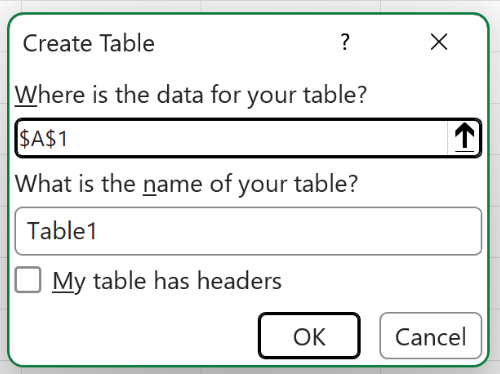
NEW! Naming your Table straight away I'm sure you've done this before: create a Table, go to refer to it in a function but only to realise that it's called Table1, Table2, etc. Then you have to decide whether to abandon your function writing and go and name your Table, or be lazy and leave it be. GOOD NEWS! Excel have just added the option of naming your Table when your first create it! If this new feature isn't yet in your version of Excel 365, then it will be soon :)
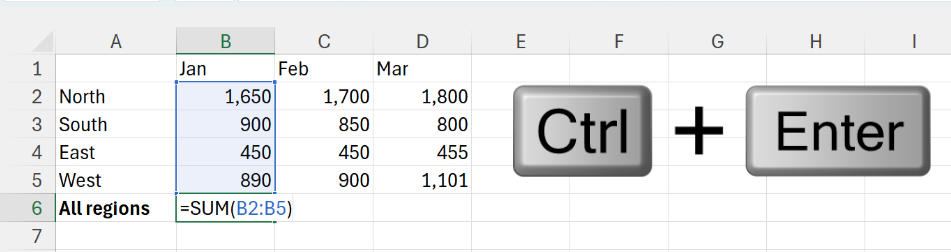
The annoying thing about pressing Enter is that you end up at the next cell down; you then have to click back on the cell above to do what's next, e.g. making it bold, colouring it or filling across. So about using Control + Enter instead? This has the same effect as Enter, but you remain on the same cell. I use Control + Enter more than I do just Enter.
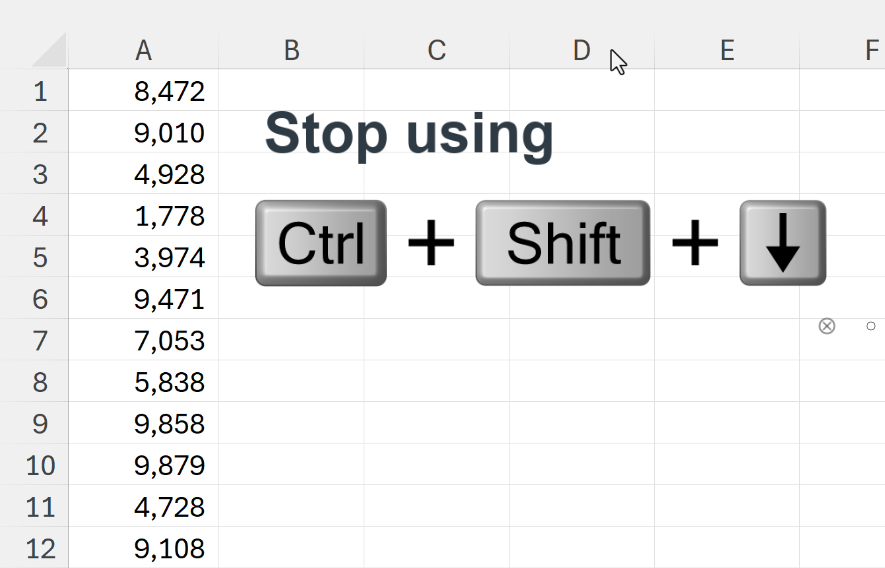
Stop using Control SHIFT down arrow
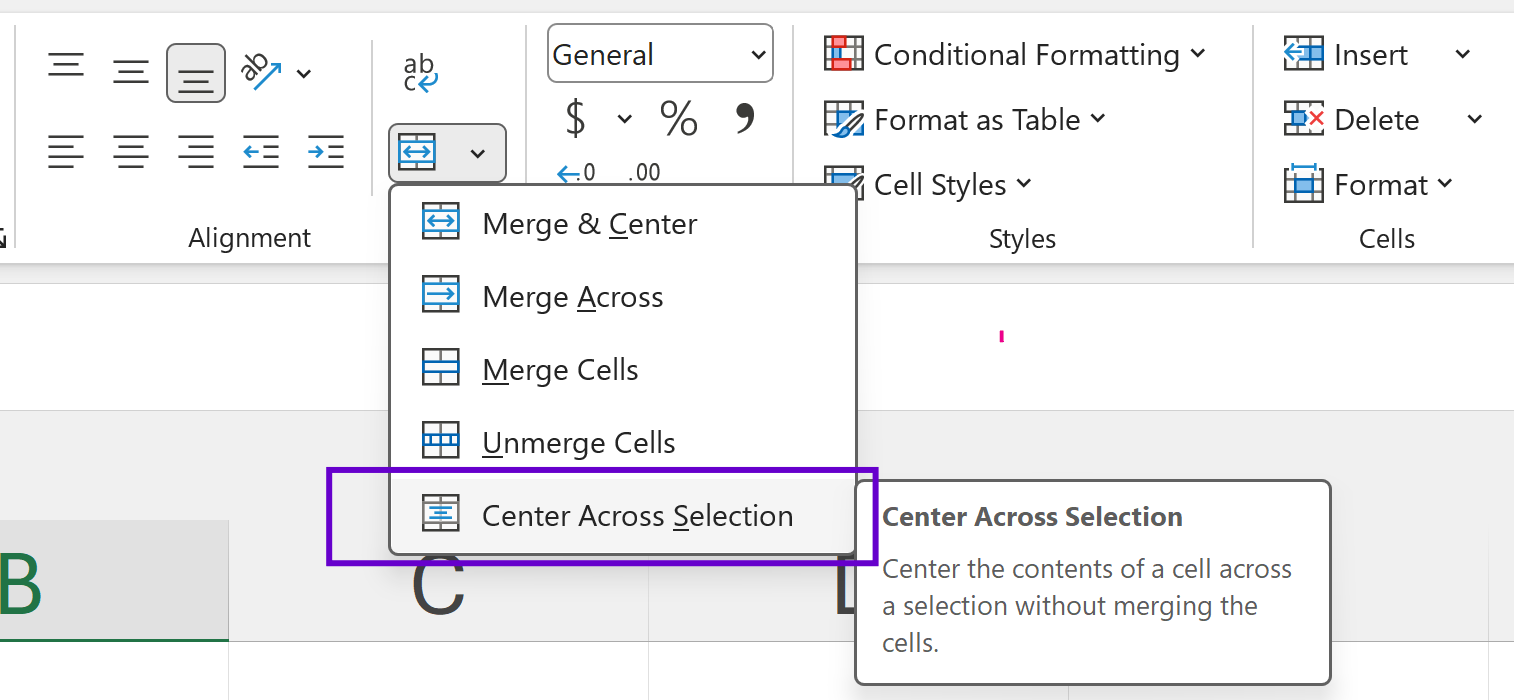
Stop using Merge & Centre!
