
Stop using Control SHIFT down arrow!
Martin Healey • October 1, 2026
Stop using Control SHIFT down arrow
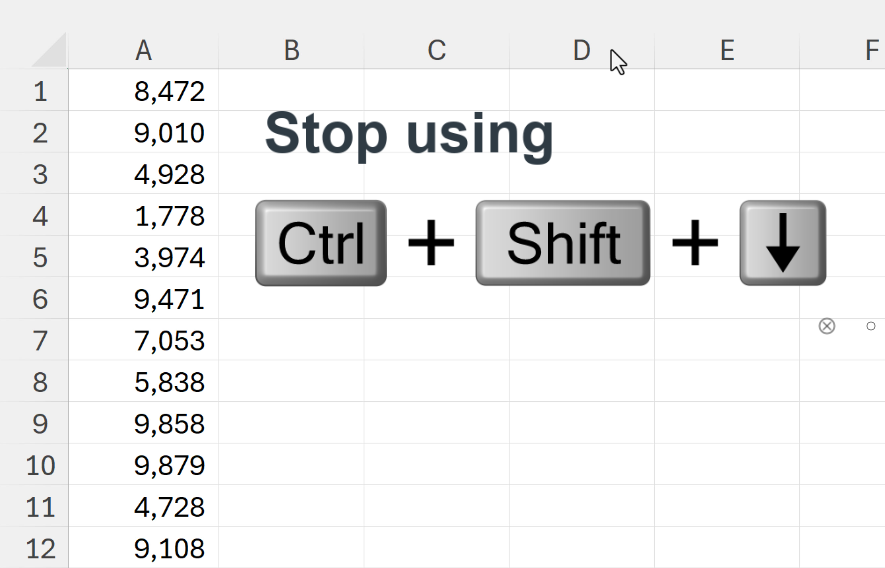
If you use Control SHIFT down arrow to select from the current cell down to the last cell in a column, then you are unlikely to ever forget it. It remains a favourite keyboard shortcut for many users.
BUT there is an alternative shortcut which is relatively new and much easier to remember - just SHIFT double-click on the cell's bottom border to get the same result!
And yes it also works upwards, to the left, and to the right.
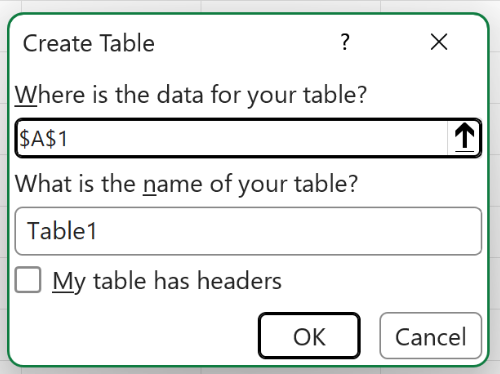
NEW! Naming your Table straight away I'm sure you've done this before: create a Table, go to refer to it in a function but only to realise that it's called Table1, Table2, etc. Then you have to decide whether to abandon your function writing and go and name your Table, or be lazy and leave it be. GOOD NEWS! Excel have just added the option of naming your Table when your first create it! If this new feature isn't yet in your version of Excel 365, then it will be soon :)
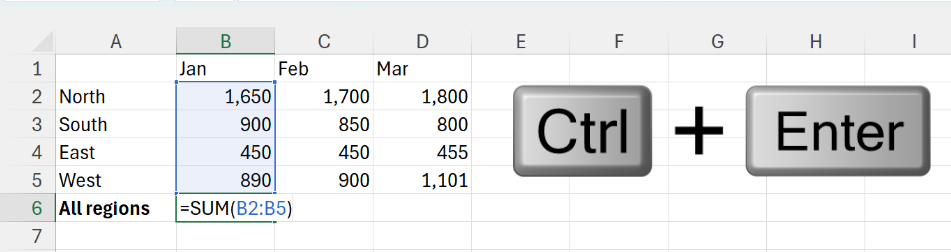
The annoying thing about pressing Enter is that you end up at the next cell down; you then have to click back on the cell above to do what's next, e.g. making it bold, colouring it or filling across. So about using Control + Enter instead? This has the same effect as Enter, but you remain on the same cell. I use Control + Enter more than I do just Enter.
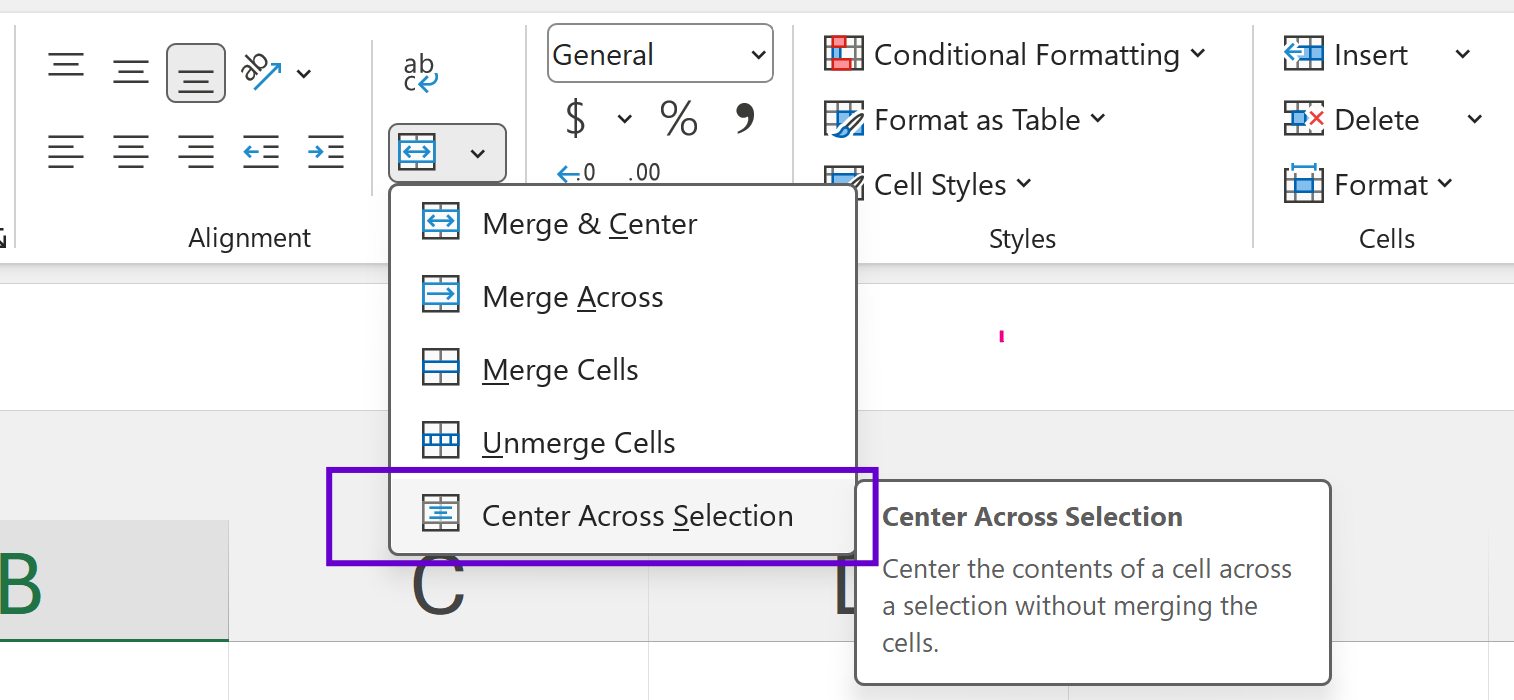
Stop using Merge & Centre!

The Amazing Story of Microsoft Excel's Phantom Day.
